How to Use QR Dharura

  • Home
  • How to Use QR Dharura
image

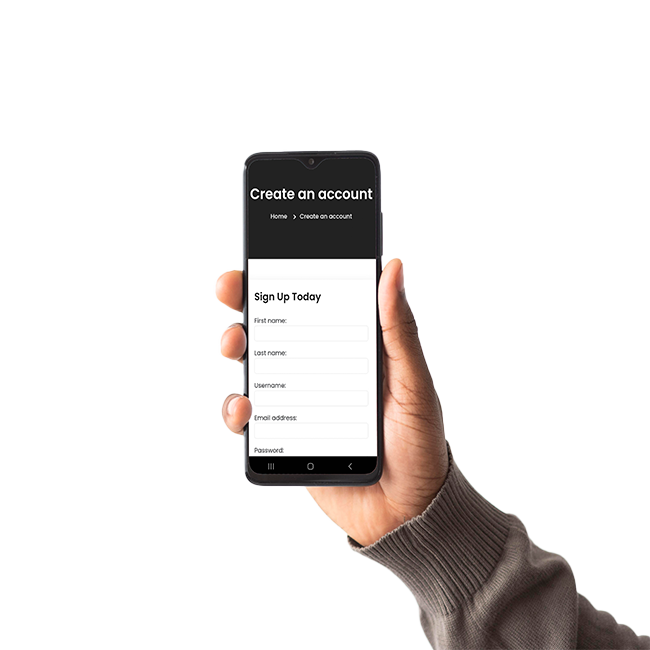
1. Login or Register

  • If you already have a QR Dharura profile, log in using your email or phone number.
  • New user? Click Sign Up and create your personal medical profile for free.

2. Complete Your Profile

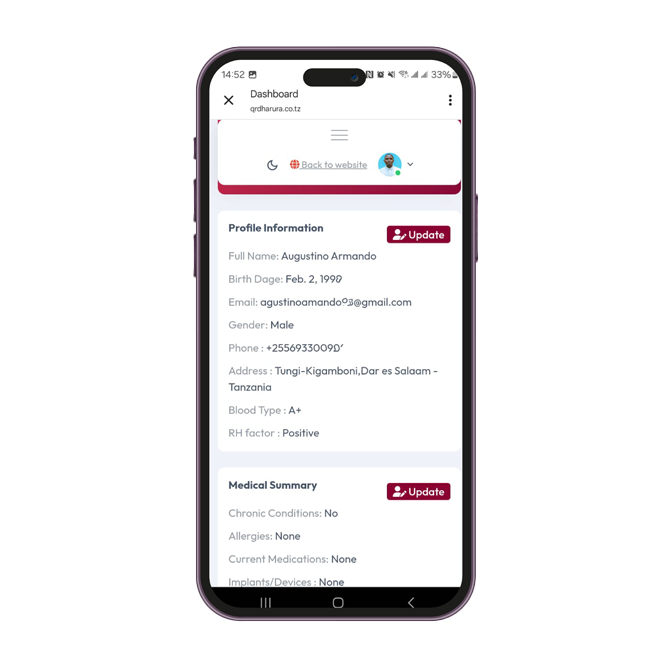
Fill all the necessary data as detailed as possible, this will provide additional information about your health. You can download your QR code for free

The more details you add, the more helpful it will be during an emergency.

Your information is secure and can be updated anytime
image
image

3. Link Your QR Dharura Product

  • After completing your profile, you’ll receive a unique QR code.
  • Enhance your safety by purchasing one or more QR Dharura Medical ID products from our store — choose from our bracelets, stickers, wallet cards, or smartwatch sleeves and link them easily with your dashboard product code.
  • You can link multiple products to the same profile (for family, sports, or travel use).
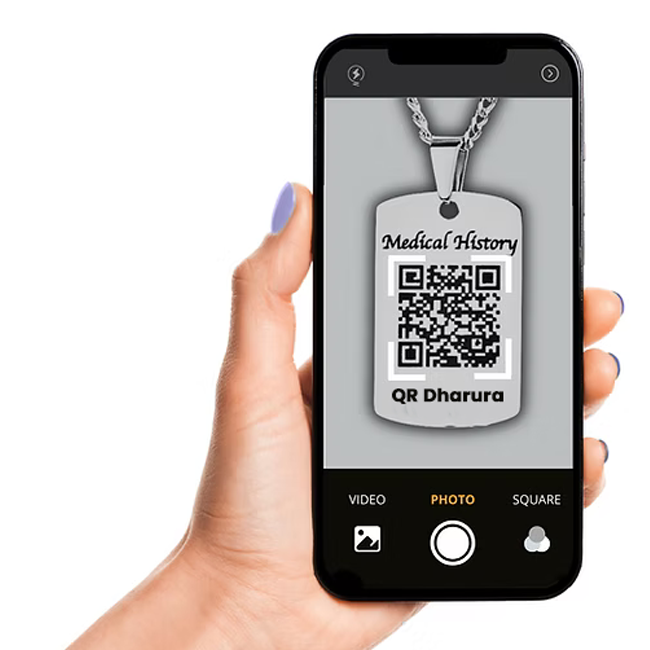
  • When scanned, your medical profile appears instantly — no app needed!

4. Manage Your Data

Manage your data through your personal account. You can manage all your profile data. Add, change or delete your data at any time. The saved information is displayed when you scan your QR code.

The more details you add, the more helpful it will be during an emergency.

All updates appear instantly when your QR code is scanned.
image
WhatsApp